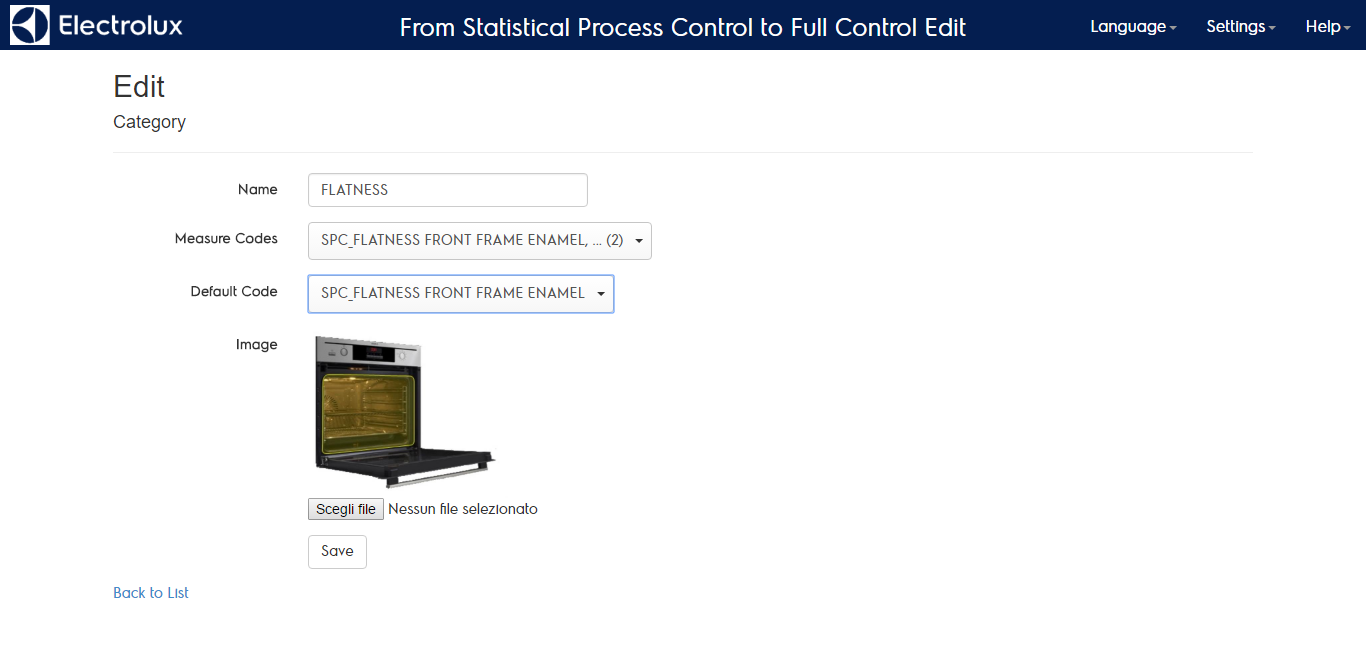
Categories configuration
In the central repository is possible to group measure tagging them using categories available in the setting menu. Grouping measures will allow users to navigate the system by categories. The categories exist just on the central repository and are not managed by the local installations.
Once selected the “categories config” menu, the list of what has already been defined is shown:
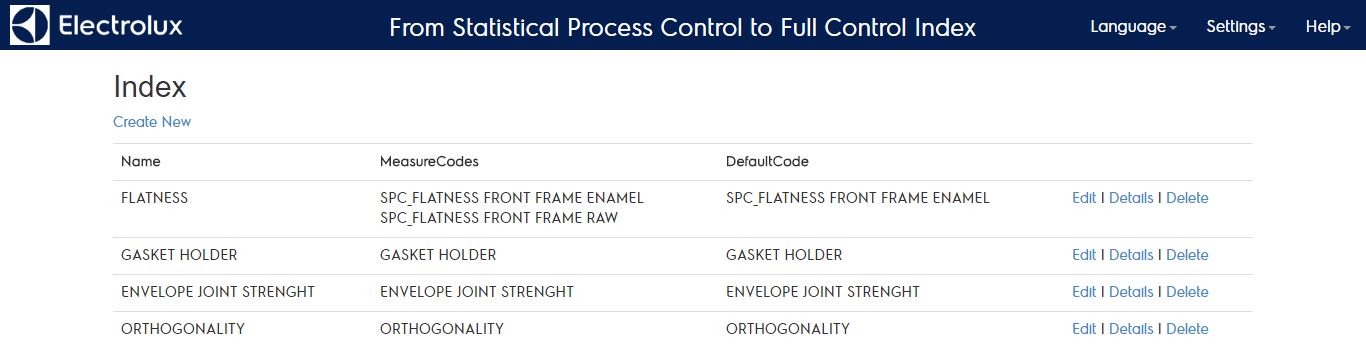
To change a category click on edit. There you find the category name and the list of measures included in the category. Among the selected measures you can define a default one that is shown as main category home page. In that page you can also upload a picture that is shown to give a visual description of the category. You can also create a new category using the “create new” link.