CATEGORIES
Each measure can be paired to a category (not mandatory). To define a category you have to insert:
- Category name
- Image
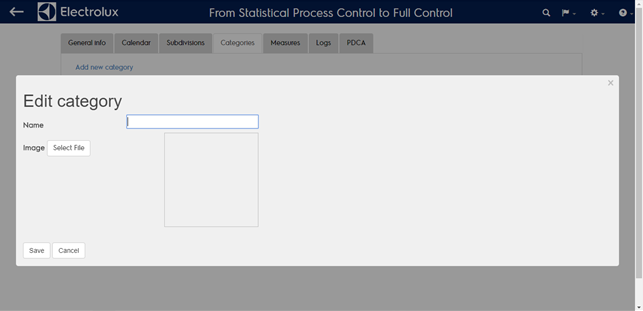
Although category mapping is not mandatory is very useful if you wan to group data coming from the shop floor and show them as belonging to the same topic. Once the catagory has one or more measures paired you will be able to select the default one. To pair a measure see the measures section.
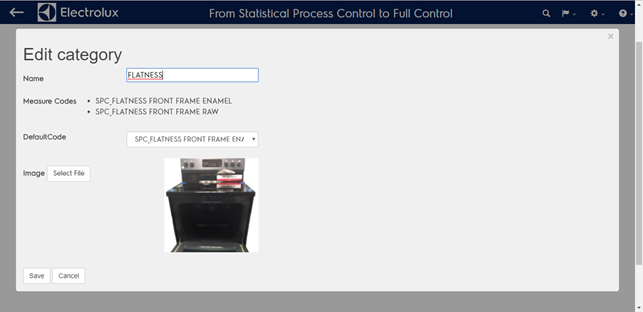
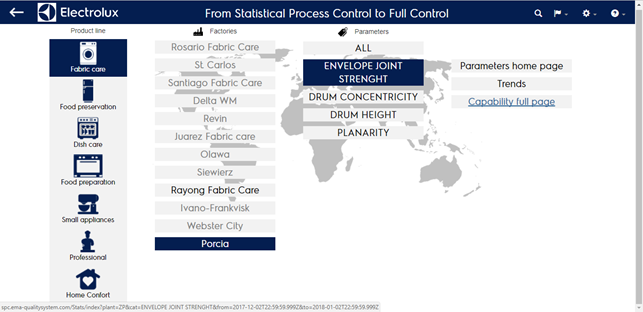
If the measure is paired it will be navigable using the home page (see the parameters column) as follows:
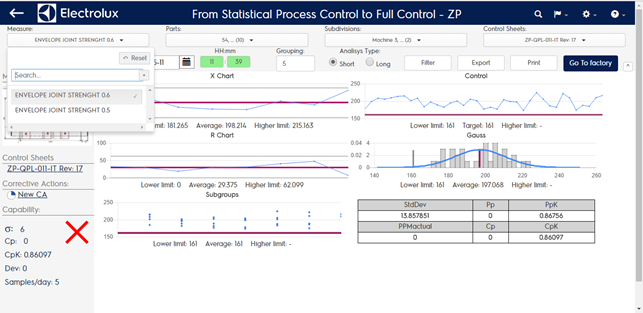
- Parameters home page shows the trend summary (last month) of the default measure of the category)
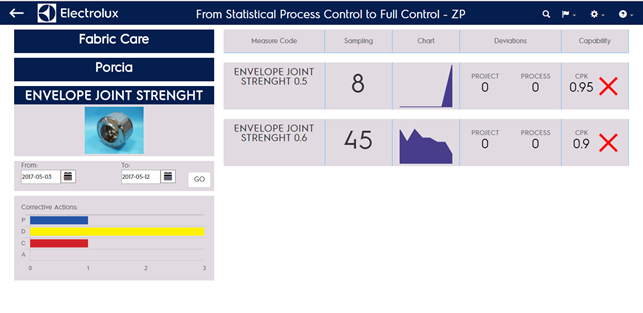
- Trends page shows the list of all the measures paired with the number of samples, sampling chart, deviations, capabilities
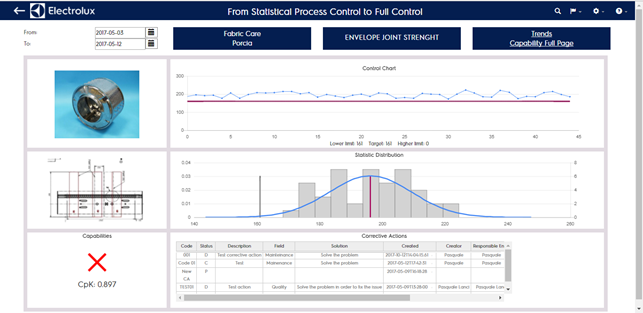
- Capability full page will list all the measures paired, the default one will be selected first