CALENDAR
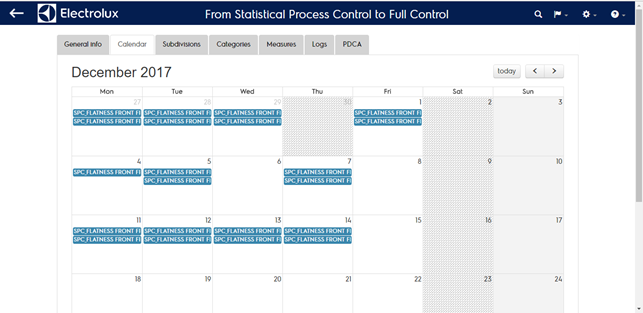
This section shows a calendar filled with:
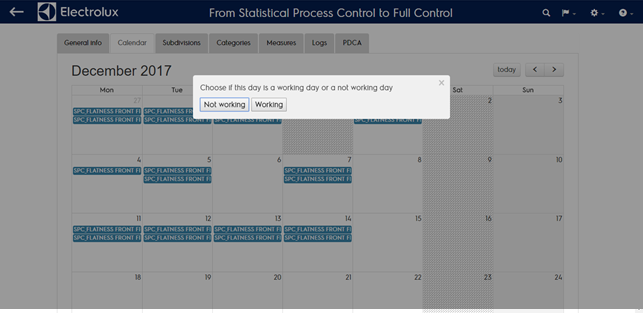
- Working/not warking days (not working days with grey background). To change a working day into a not working day (and reverse) just click on the day backgound and select the day type
- Measures codes collected in that day