

LANGUAGE CONFIGURATION
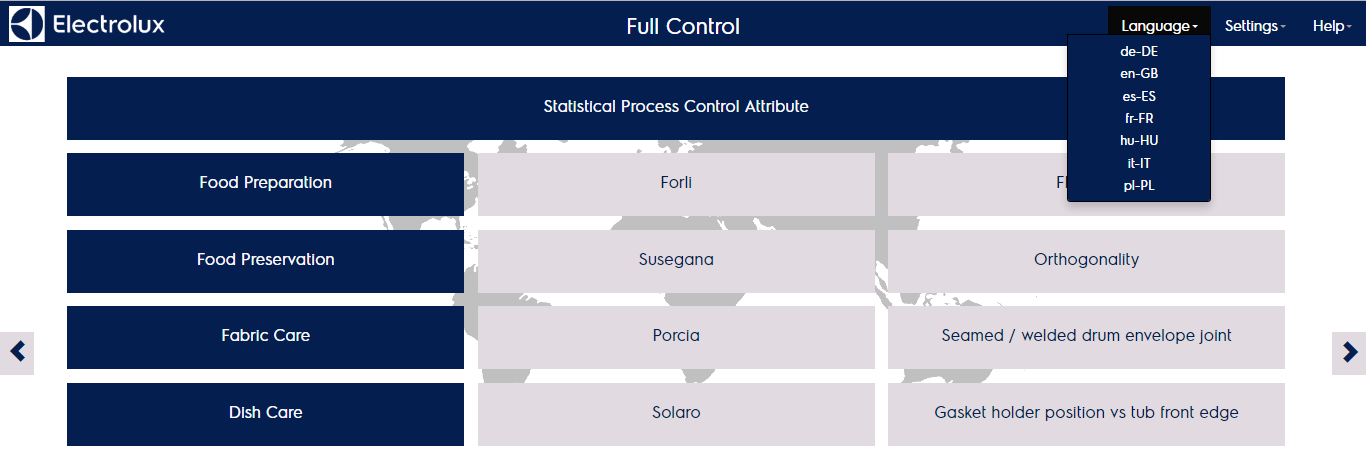
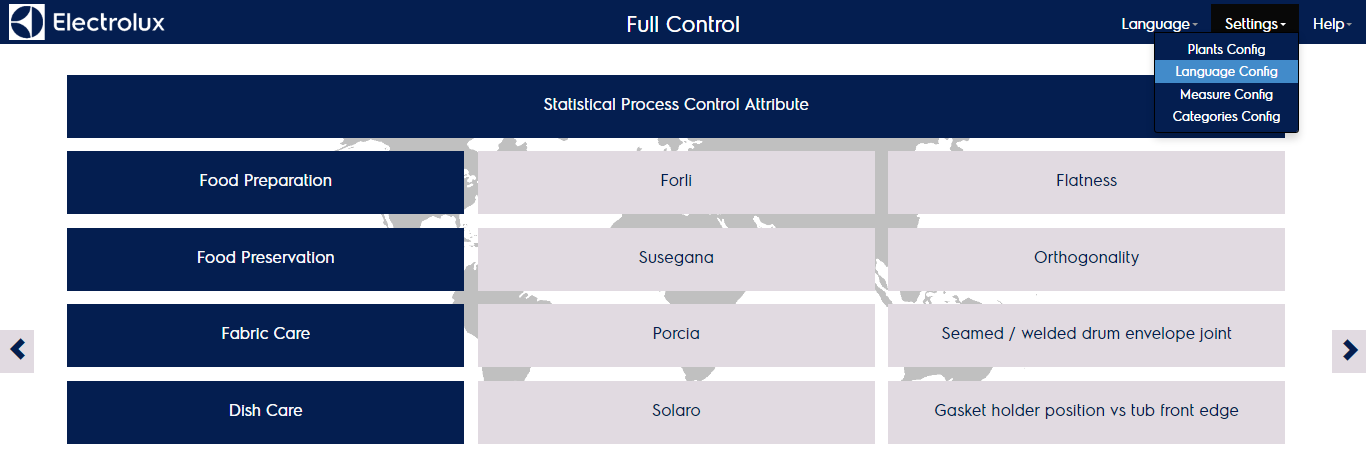
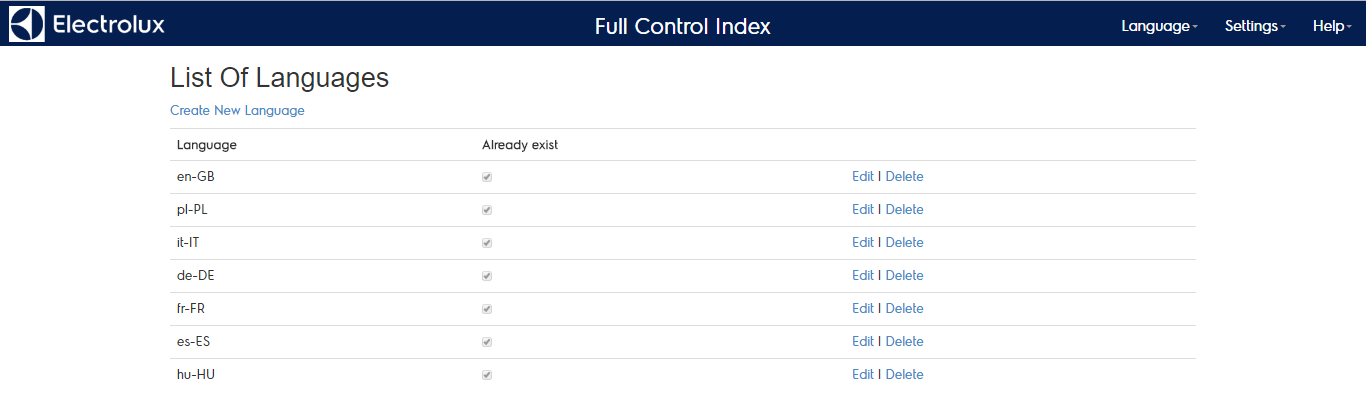
Each page can be shown in several languages by clicking on the “language” menu. The content is shown in the correct language if the translation is available in the reference table. The available languages are listed in the “language config” menu.
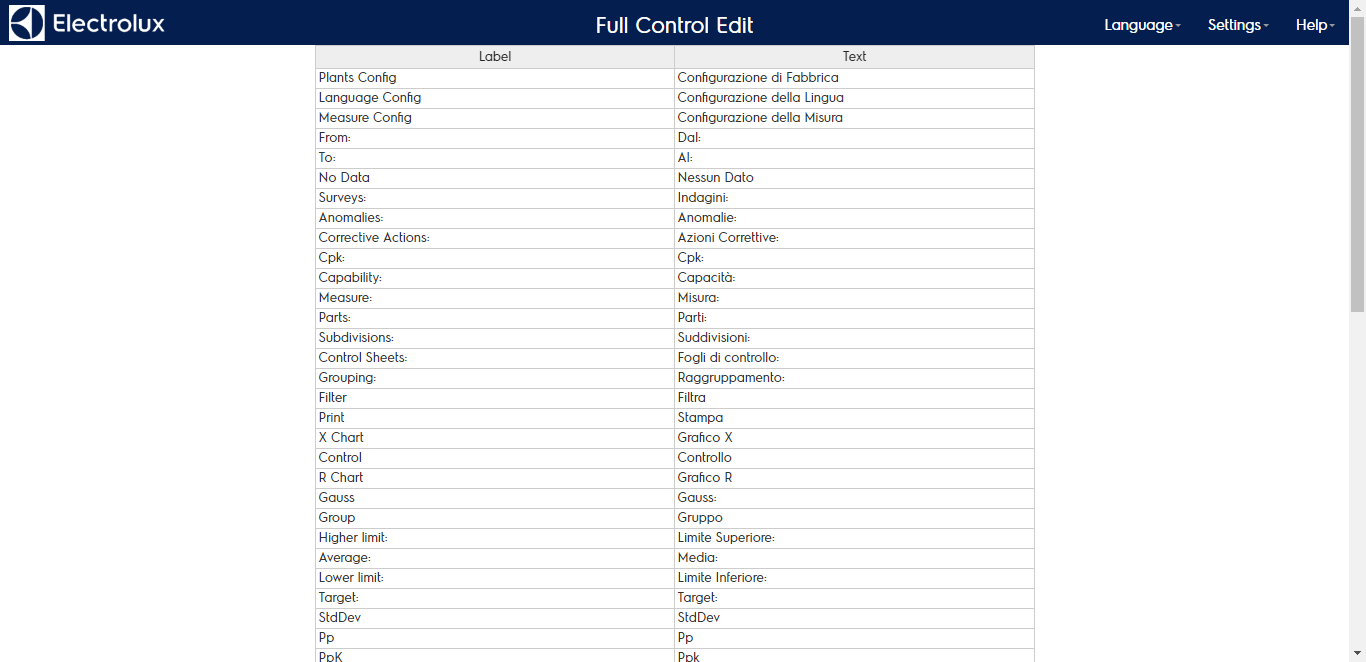
By editing the language you will see the translation table made of:
- The label name in the source language (english)
- The translation in the selected language