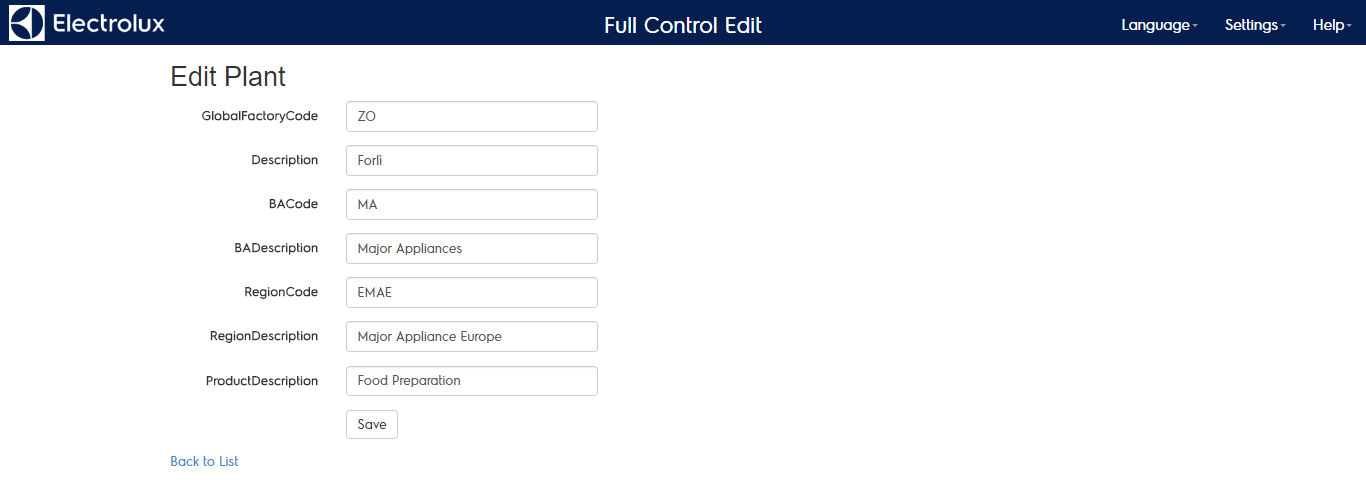
PLANTS CONFIGURATION
TheBefore “plantsyou’ll configuration”be menu leadsable to work on a plant ensure that the plant already exists in the plant list of(you productcan lines and factories managed onuse the systemsearch bar in ordet to facilitate that check). If it does not exist you can create it using the “Create New Plant” link.
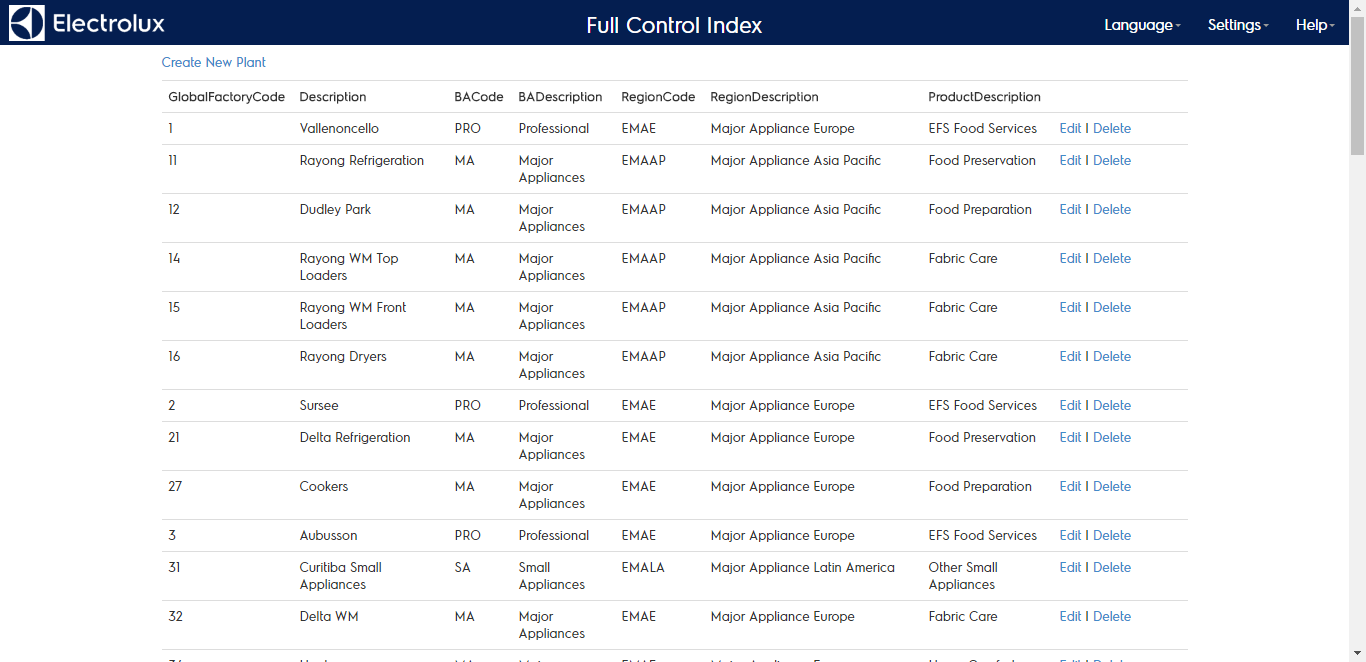
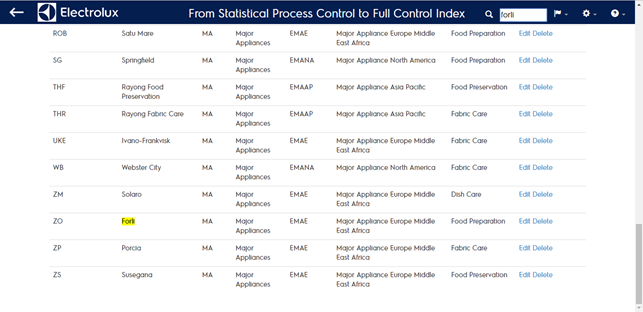
EachThe main areas you have to manage for each plant can be edited, deleted or created defining:are:
-
GlobalGeneralfactory codeinfo -
DescriptionCalendar -
BA codeSubdivisions -
BA descriptionCategories -
Region codeMeasures -
Region descriptionLogs -
Product descriptionPDCA