

LANGUAGE CONFIGURATION
EachUsing pagethis canmenu beyou showncan:
-
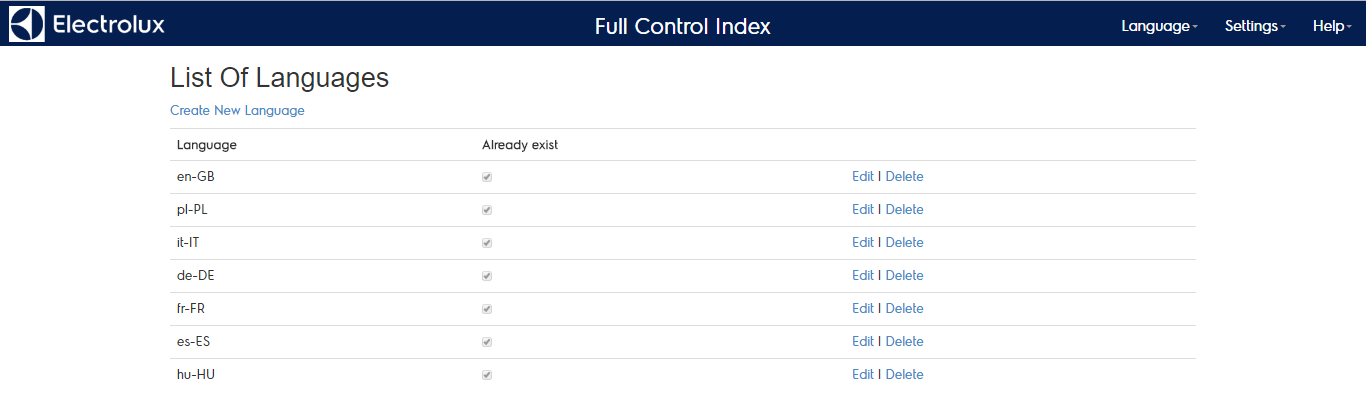
in severaladd/enable/disable languages -
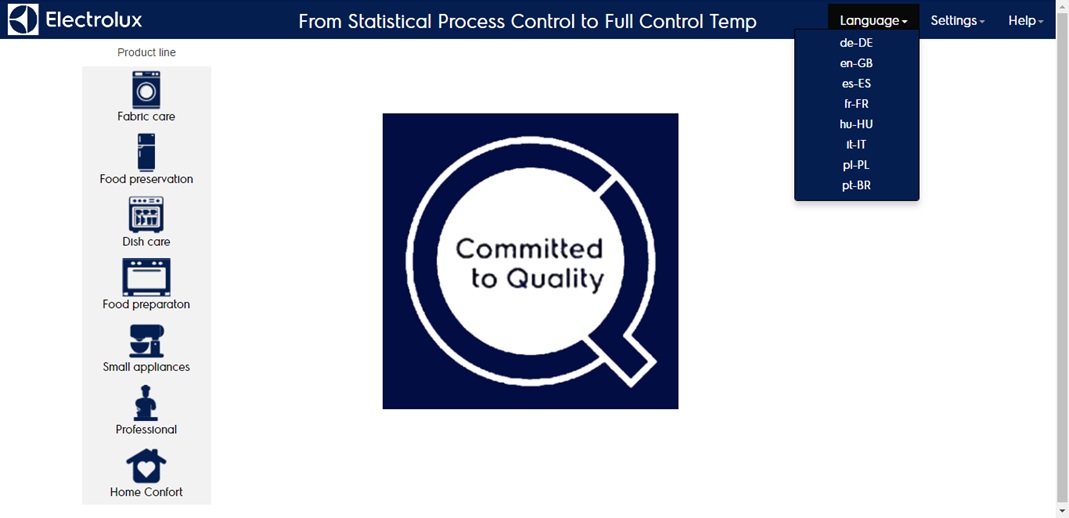
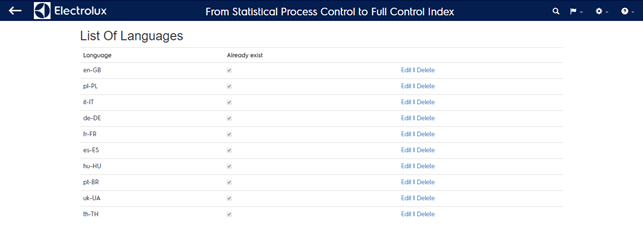
byadd/edit/deleteclickinglabelson the “language” menu. The content is shown in the correct language if the translation is available in the reference table. The available languages are listed in the “language config” menu.translations
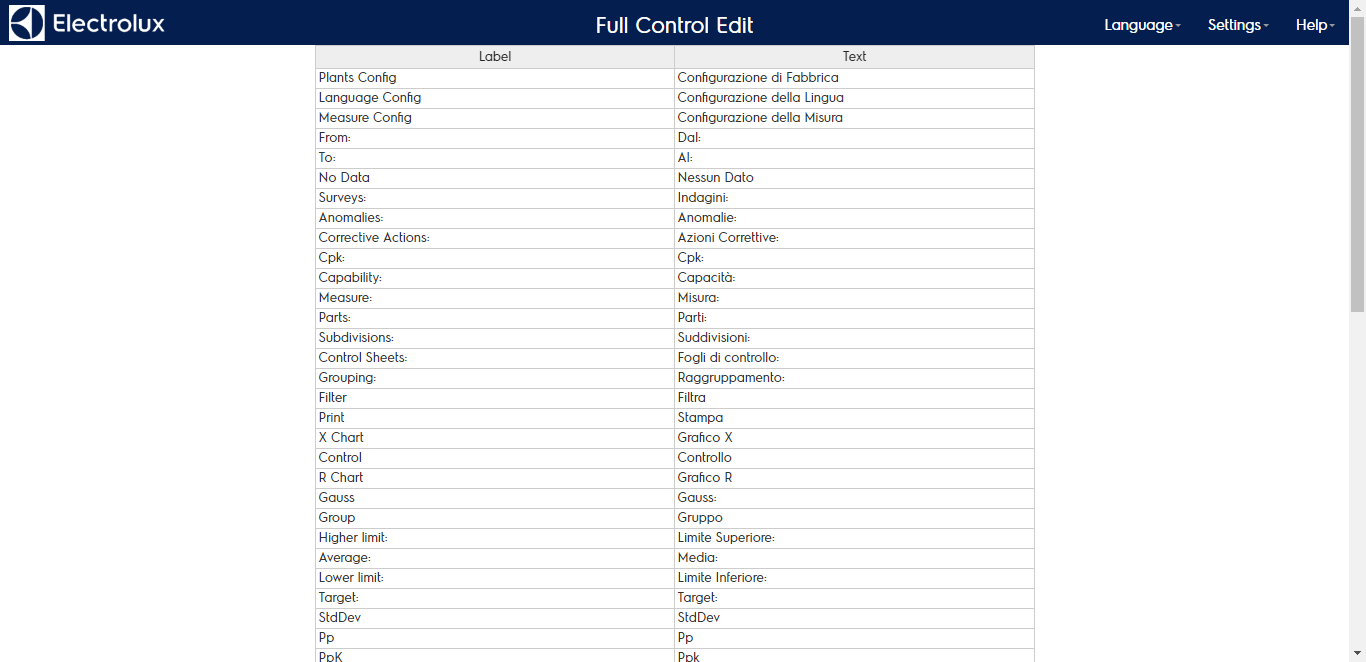
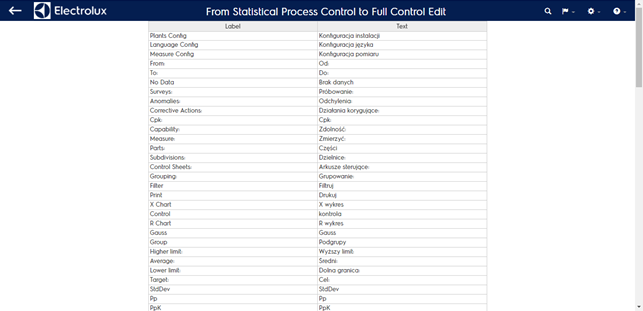
By editing the language you will see the translation table made of:
- The label name in the source language (english)
- The translation in the selected language If the desired language does not exist please contact the help desk